See a floor, a stone and a door together before you visit — the sample kitchen updates with each pick.See a floor, a stone and a door together before you visit — the sample kitchen updates with each pick.
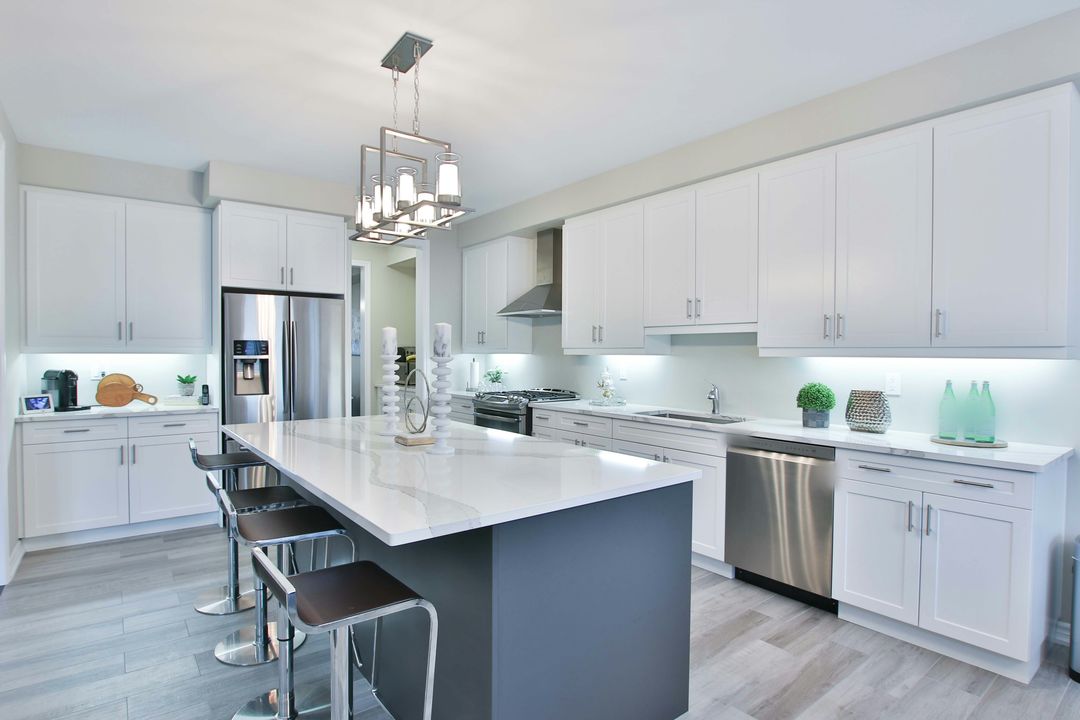
Shaker · four finishes
Every door styleOther styles · color only
Only the color changes here. Each style has its own frame and panel — see them in the store.
Each swatch stands for a look; feel the actual slabs at the store.
The store has every floor sample on display.
Good match?
Send this look to my free 3D plan Go see the samplesTreat it as a preview: color and pattern are close, not exact. The actual doors, slabs and planks are at the store.
Demo · AI previewAI preview
Now try your kitchen.
Upload one picture of your kitchen. It gets checked before anything else, which catches shots that are too dark, out of focus or not a kitchen. Then AI repaints that kitchen with the doors, top and floor picked above.
Demo note: checking the picture really works, right on your device, and nothing leaves it. The AI picture itself turns on once the site goes live; until then a sample result stands in for your kitchen.
- 1Pick a photo
- 2Quick check
- 3Your AI picture
- Shoot from a corner or the entry to get nearly all the cabinets in the frame.
- Switch the lights on and hold the phone sideways.
- Your current kitchen is fine — even the one you are tearing out.
Demo mode: your picture never leaves this device.
Your photo travels securely to make the preview and reaches the store with your request. It is kept for 12 months, then deleted.
A preview usually takes less than a minute. Feel free to look around — a note appears when it is ready.
Start your plan.
or phone (858) 689-6869